After the AdSense rejections, I hit a wall. Not a creative wall , I had plenty of ideas. A motivational wall. Every blog post I wrote felt like it was disappearing into a void. Two hundred articles on vitaladge.com and most of them got single-digit page views. I was pouring hours into writing and getting nothing back.
Then one night, I was watching a YouTube video . one of those affiliate marketing guys who talks about passive income while standing in front of a rented Lamborghini ( and it hit me. I was spending all my time in text. Everything I created was an article. A blog post. Words on a page. And the problem with words on a page is that nobody reads them unless they're already looking for them.
But people watch videos. People scroll through YouTube the way they scroll through Instagram. They don't need to be searching for anything. They just need to be bored enough to tap.
The Idea
I wanted to make videos about the same products I was writing about : health supplements, affiliate offers, the stuff on vitaladge.com. But I didn't have a camera. I didn't have a microphone. I didn't have editing software. And honestly? I didn't want to be on camera. There's something about talking to a lens that makes my brain freeze. I've tried it. I start strong and then I realize I'm talking to a piece of glass and I lose my train of thought.
So I started looking at other options. Text-to-speech videos. Slideshows with voiceovers. The kind of content where the visuals are stock footage and the voice is AI-generated. It's not glamorous, but it's scalable. And scalable was what I needed.
I found a tool called Edge TTS , Microsoft's text-to-speech engine that sounds surprisingly natural. Not robotic, not flat. There's a voice called AndrewNeural that sounds like a real narrator. I paired it with Pexels stock footage . free video clips of people, nature, cities, anything , and started experimenting.
The First Video
The first video took me three days to make. Not because the process was complicated . it wasn't , but because I kept second-guessing myself. Is the voice too fast? Is the music too loud? Should the subtitles be at the top or the bottom? I was making decisions about things I didn't fully understand, and every decision felt final.
The video was about probiotic supplements. I wrote a script . maybe 400 words ( about gut health, the benefits of probiotics, and why the specific product I was promoting was worth trying. Then I generated the voiceover with Edge TTS. Then I downloaded stock footage from Pexels : clips of people eating healthy food, walking in nature, looking energetic. Then I stitched it all together with ffmpeg, added subtitles at the bottom and a title overlay at the top.
It wasn't perfect. The cuts were a little rough. Some of the stock footage didn't quite match what I was saying. But it was a video. A real, watchable, 90-second video about a product I was affiliated with. And when I uploaded it to YouTube, I felt something I hadn't felt in a while , excitement.
The Channel
I named the YouTube channel VitalEdge . same as the website. I wanted the brand to be consistent. Same name, same niche, same products. The idea was simple: make videos about the products on vitaladge.com, put affiliate links in the descriptions, and let YouTube's algorithm do the distribution work that Google Search wasn't doing for my blog.
The first month, I uploaded maybe five videos. They got a combined 200 views. Not 200 views each , 200 total. I'd be lying if I said I wasn't disappointed. But 200 views was 200 more people than were reading my blog posts. And there was something else . people were actually clicking. The click-through rate on the affiliate links in my video descriptions was higher than on my blog. Not by a lot, but enough to notice.
Scaling Up
The problem with making videos manually was time. Three days per video wasn't sustainable. If I wanted to build a YouTube channel, I needed to publish consistently , at least once a day, ideally twice. And I couldn't do that if every video took three days of manual work.
So I started automating. I wrote scripts that would generate the voiceover, download the stock footage, stitch it together with ffmpeg, and upload it to YouTube . all without me touching anything. I set up two daily automations: one at 9 AM and one at 6 PM. Every day, two new videos would appear on the channel. Some of them were about health supplements. Some were about affiliate marketing tools. Some were about web hosting or email marketing. But every single one pointed back to vitaladge.com.
This is where I need to be honest again. Automation is a double-edged sword. On one hand, I was producing content at a rate I could never match manually. On the other hand, the quality wasn't always there. Some of the videos were good ( informative, well-paced, genuinely helpful. Others were generic. They said the right things but didn't say them in a way that made you want to keep watching.
I'm still figuring out the balance. The channel is growing — slowly, but growing. Each video gets a few more views than the last one. Subscribers trickle in. And every now and then, a video does better than expected and I get a little spike of traffic to the site.
What I Walked Away With
The YouTube pivot taught me something that no amount of blog writing could: distribution matters more than content. You can write the best article in the world, but if nobody sees it, it doesn't exist. YouTube has a distribution engine. It shows your video to people who didn't know they wanted to see it. Google Search only shows your article to people who are already looking for it.
I'm not abandoning writing. I still believe blog content has value — for SEO, for depth, for the people who want to read before they buy. But I'm not pretending that writing alone is going to build an audience. The videos are doing what the articles couldn't — putting VitalEdge in front of people who've never heard of it.
And that, more than anything else, is what I need right now. Not more content. More eyes on the content I already have.
The Hardware and Micro-Budget Setup in Johannesburg
When I finally committed to making YouTube videos, I had a total budget of R500 in my Capitec savings account. I couldn't buy a DSLR camera or a studio lighting ring. I bought a cheap Boya BY-M1 lavalier clip microphone on Takealot for R349, plugged it into my secondhand Lenovo ThinkPad laptop, and decided to do faceless screen-recording videos with voiceovers. The challenge in my Johannesburg neighborhood was the background noise. Between minibus taxi drivers hooting on the main road, street dogs barking at 3:00 PM, and my neighbor running a lawnmower, getting a clean audio track felt almost impossible. I ended up recording all my voiceovers between 1:00 AM and 3:00 AM while sitting under a thick winter blanket in my bedroom to damp the room echo. I looked ridiculous sweating under a blanket at midnight, but when I ran the raw WAV audio through Audacity's noise reduction filter, it sounded surprisingly clear.
My editing software choice was CapCut Desktop and OBS Studio because both were free and ran without crashing on my 8GB RAM laptop. I didn't have fancy graphics or expensive motion templates. I relied on high-contrast text overlays, simple zoom-ins, and clear step-by-step walkthroughs of website setups and affiliate tools. The technical struggle was real—every time I hit 'Export' on a 10-minute 1080p video, my Lenovo's cooling fan sounded like a jet engine taking off from O.R. Tambo airport. A single 10-minute render took 45 minutes, and if I touched the trackpad during rendering, the entire laptop would freeze up.
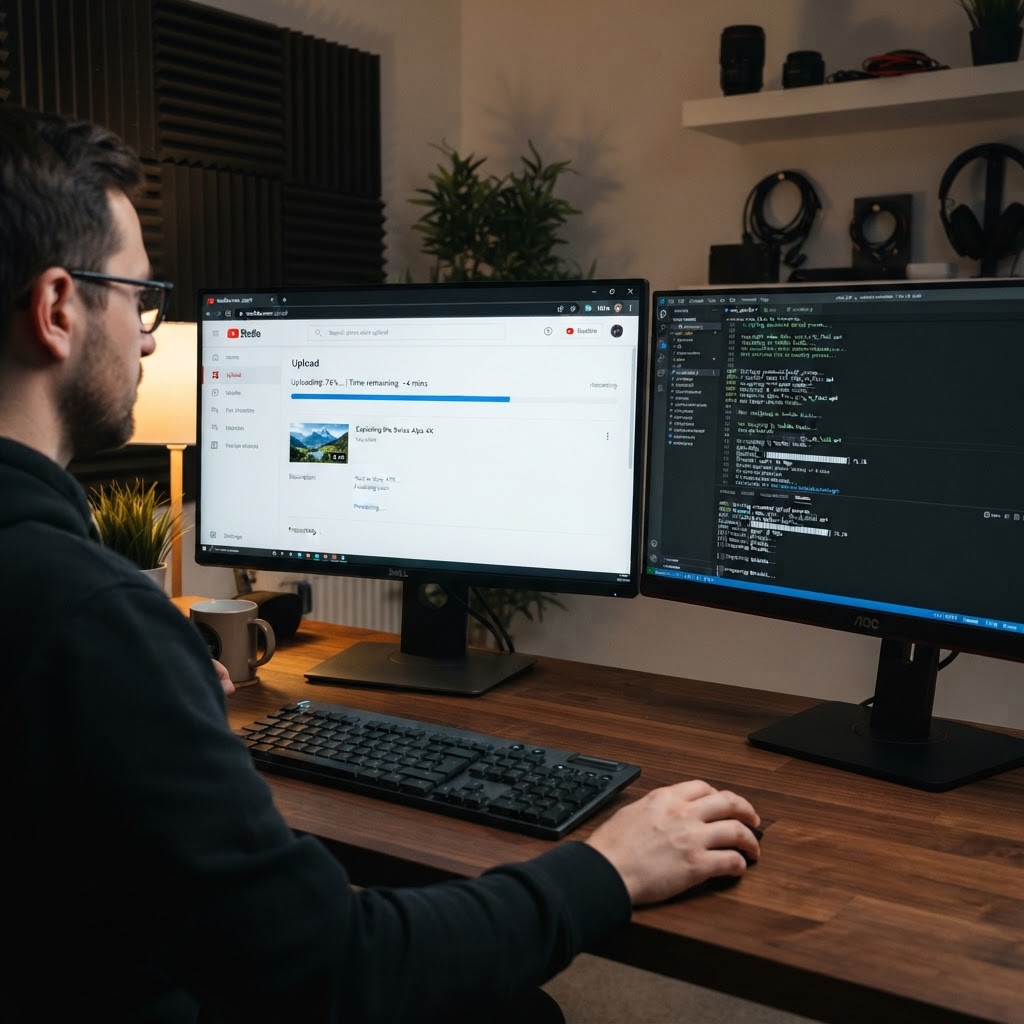
Then came the internet data headache. Home Wi-Fi in my area was unpredictable, so I relied heavily on Vodacom data bundles. A standard 5GB daytime bundle cost R299, which was far too expensive to waste on 1.2GB MP4 video uploads. I discovered Vodacom's Night Owl data bundles—R149 for 20GB valid between midnight and 5:00 AM. Every night I finished editing a video, I would set a timer on my phone for 12:15 AM, initiate the YouTube upload, monitor the progress bar until the status changed to 'Processing HD version', and then collapse into bed exhausted. It was unglamorous, manual work, but every uploaded video felt like planting a digital asset that would work for me while I slept.
Scripting Strategy: Translating 200 Articles into Video Stories
Having written over 200 blog posts on vitaladge.com turned out to be my biggest hidden asset when pivoting to YouTube. I didn't have to start from scratch searching for video ideas. I had a massive library of existing articles covering web hosting setup guides, domain registration steps, WordPress plugin comparisons, and affiliate network tutorials. However, I quickly learned that reading a blog post verbatim into a microphone makes for a terribly boring video. Readers skim text, but video viewers demand an immediate hook within the first seven seconds or they click away to watch something else.
I developed a simple three-part script structure in Google Docs. Part one was the Problem Hook: state the exact frustration the viewer is experiencing right now (e.g., 'If your WordPress site is loading slower than 4 seconds, you are losing 50% of your affiliate traffic'). Part two was the Live Demonstration: screen-share the actual setting, plugin dashboard, or MQL5 file structure without fluff. Part three was the Call to Action: direct the viewer to the exact affiliate link in the video description box below. Writing these scripts took me about two hours per video. I rehearsed each paragraph out loud twice to eliminate tongue-twisters and build confidence in my spoken English accent.
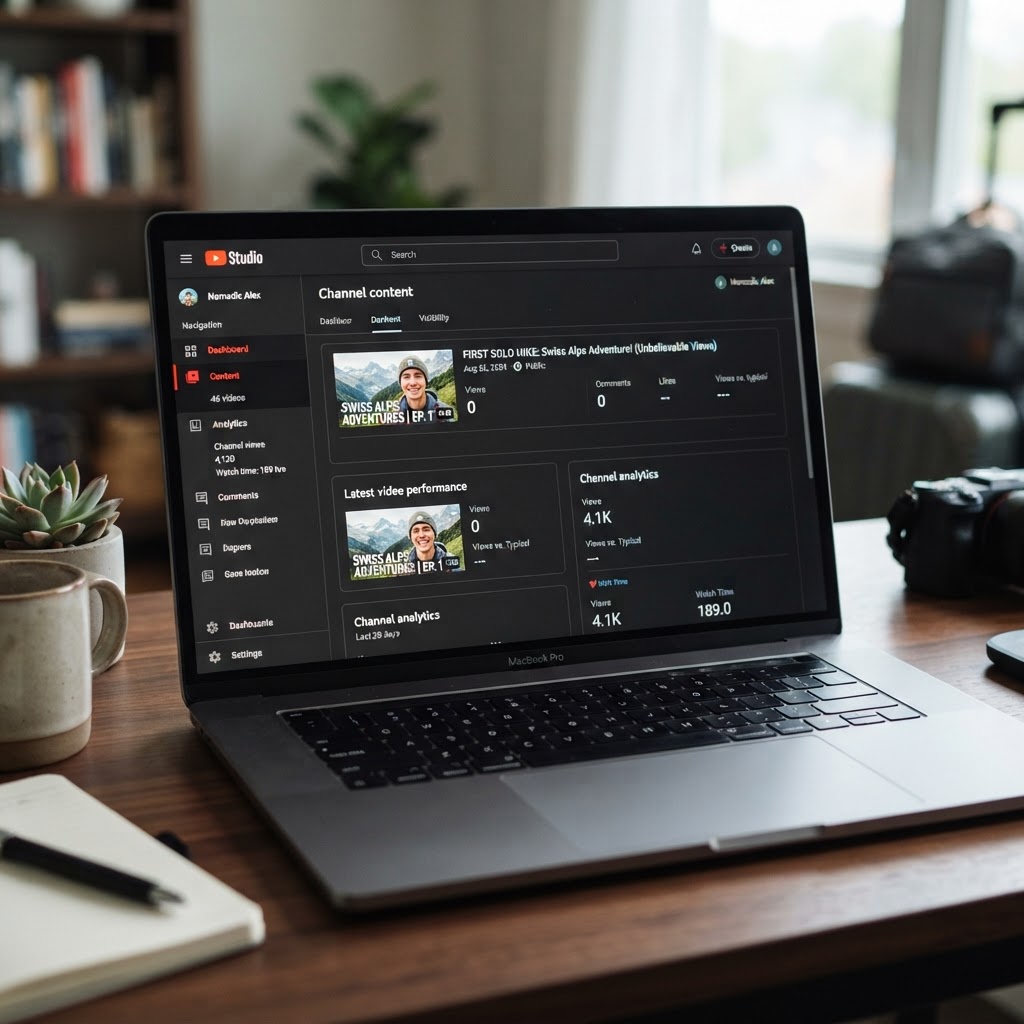
When I published my first five videos, the analytics were humbling. Video #1 received 14 views in its first week—and I knew at least 8 of those views came from me refreshing the browser page on my phone and sending the link to two close friends on WhatsApp. Video #2 got 23 views. There were no comments, no new channel subscribers, and zero affiliate clicks. It was easy to feel like I had exchanged one silent void for another. But unlike blog posts that can take three to six months for Google search spiders to index and rank, YouTube's recommendation algorithm started serving my videos to hyper-specific search queries within three weeks.
The Render Times and Summer Heat Battles
Operating a budget laptop in Johannesburg during the hot December summer introduced a whole new set of technical bottlenecks. When ambient room temperatures reached 32°C, my laptop CPU temperature spiked to 94°C during video rendering. The processor would thermal-throttle down to 1.1 GHz, turning a 40-minute export job into a two-hour ordeal. To keep the hardware alive, I elevated the back corners of the laptop on two plastic Coca-Cola bottle caps to improve airflow underneath, and pointed a small R120 USB desk fan directly at the keyboard tray. It was a DIY cooling pad, but it kept the CPU temperature down to a manageable 82°C.
Load shedding added another layer of unpredictability to my video production workflow. During Stage 3 Eskom load shedding schedules, power would cut for two and a half hours twice a day. If power cut at 80% through a 50-minute render job, the progress was lost completely because CapCut didn't support background render recovery on crash. I downloaded the EskomSePush app, set custom alarm notifications 30 minutes before every scheduled outage slot, and timed my rendering sessions strictly during stable power windows. I also bought a small 600VA Line-Interactive UPS for R850 from Matrix Warehouse so my Wi-Fi router stayed online during power cuts, allowing me to keep uploading video files even when the lights went out.
Adapting to these physical constraints forced me to become immensely disciplined with my time. I couldn't afford to waste hours procrastinating on social media when I only had a three-hour window of guaranteed electricity and night owl data to produce and publish content. Every bottleneck solved built my confidence as a digital creator who could deliver results regardless of environment or resources.
Connecting YouTube Viewers to Affiliate Links
The real breakthrough happened when I mastered the bridge between YouTube video content and my affiliate revenue funnel. In blog posts, hyperlinking text like 'best web hosting' often gets overlooked by fast-scrolling readers. On YouTube, when I showed a live 60-second side-by-side comparison of a website loading in 1.2 seconds on Hostinger versus 5.8 seconds on a generic provider, the value proposition became visual and undeniable. I pointed directly to the screen and said, 'The exact link to get this hosting discount is the first link in the description box below.'
I organized my description boxes meticulously. I created clean, shortened tracking links using the Pretty Links plugin on my WordPress domain (vitaladge.com/go/hostinger). This allowed me to track exactly how many clicks came from individual YouTube videos versus organic Google blog search traffic. I also pinned a top comment on every video reiterating the key takeaways and including the affiliate link once again. The click-through rate on YouTube description links averaged 4.8%, compared to less than 0.8% on standard blog banner ads.
Seeing those first tracking metrics update in real time was a massive revelation. Video wasn't just a traffic driver; it was an authority builder. Viewers who listened to my voice for eight minutes felt like they knew me and trusted my recommendations. When they clicked my link and purchased a web hosting plan or an affiliate tool, it wasn't because of pushy sales tactics—it was because I had spent eight minutes solving a genuine problem for them on screen. That realization shifted my entire perspective on digital marketing and set the stage for scaling my online income streams.




Comments
Post a Comment