So I had a domain. I had moved from Cort Trust in Mpumalanga to Carltonville in Gauteng province a few years before, chasing work the way many young South Africans do, and now I was about to build something of my own from a small room in Khutsong. vitaladge.com. $10.81 on Namecheap. Now I needed to turn it into a website.
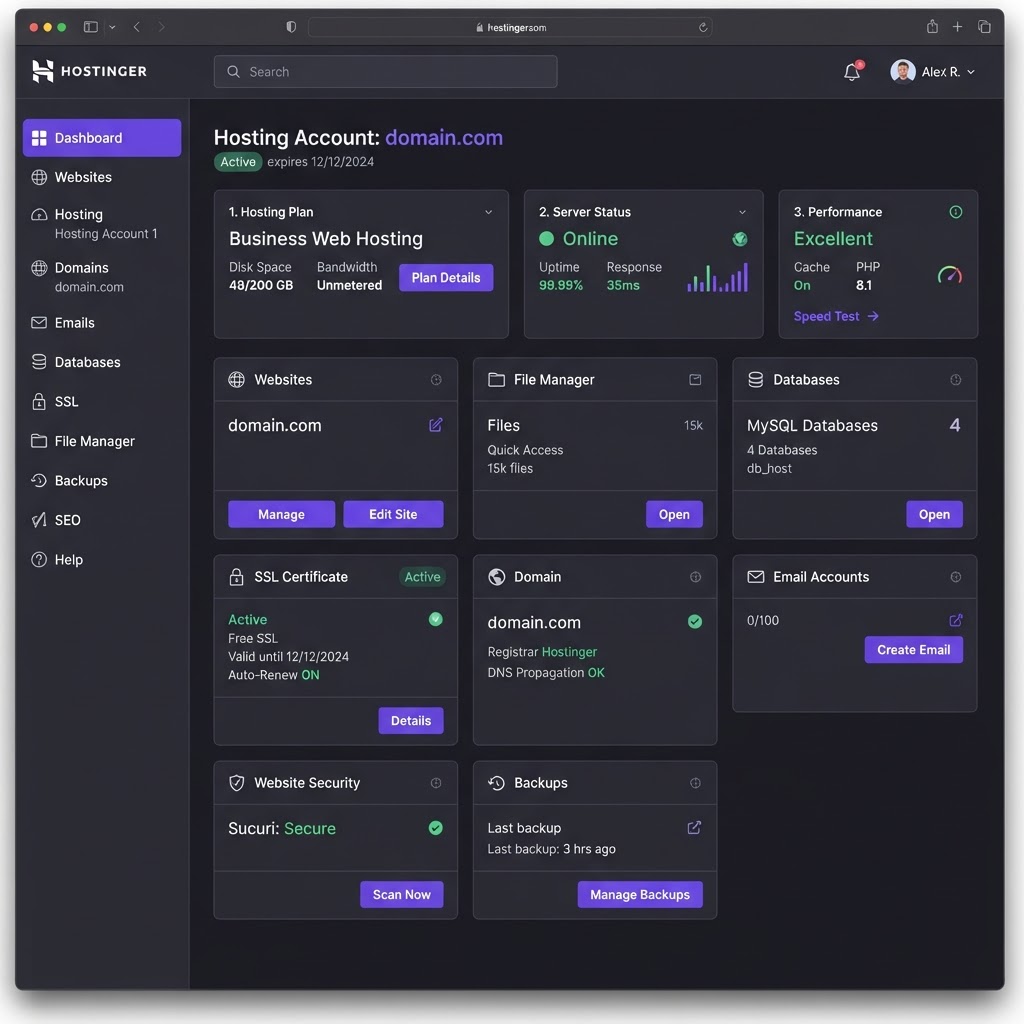
Hostinger hPanel . where I managed everything from DNS to SSL
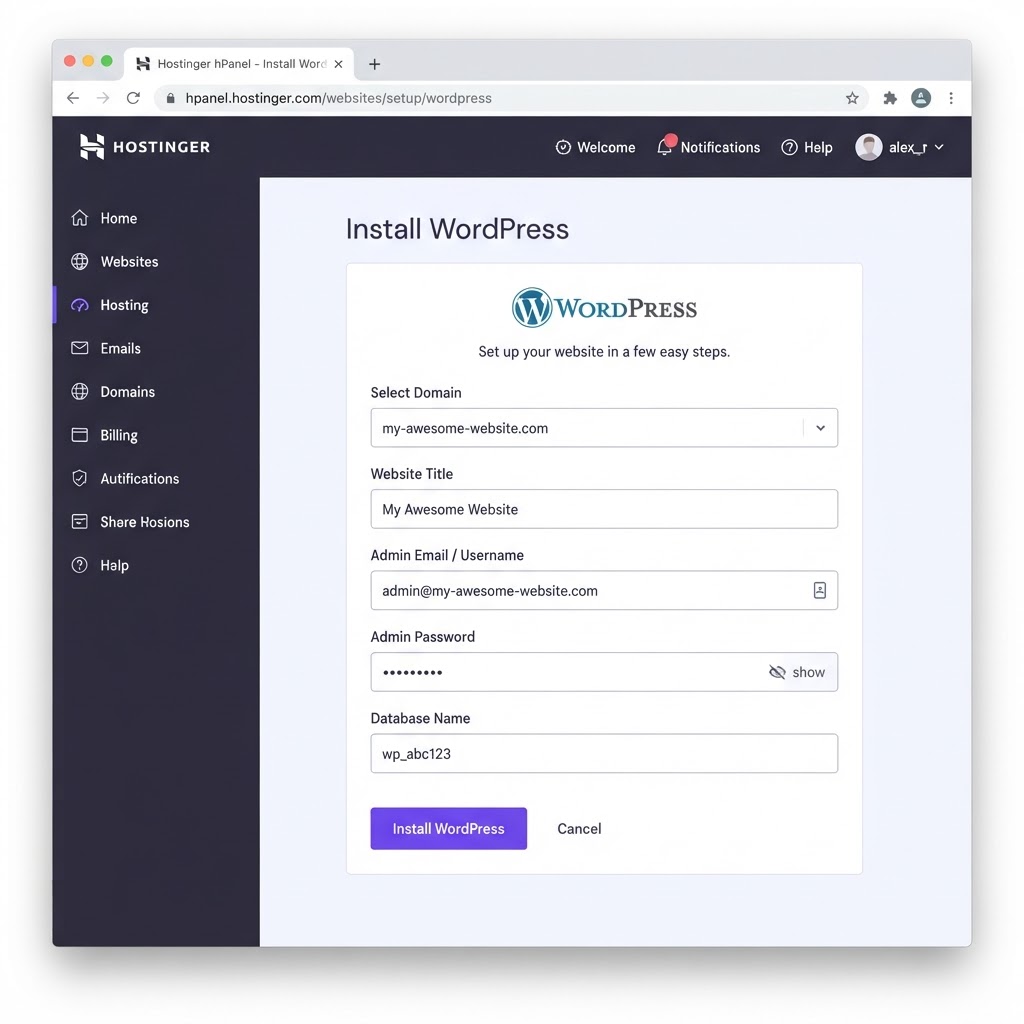
Installing WordPress on Hostinger : the one-click installer
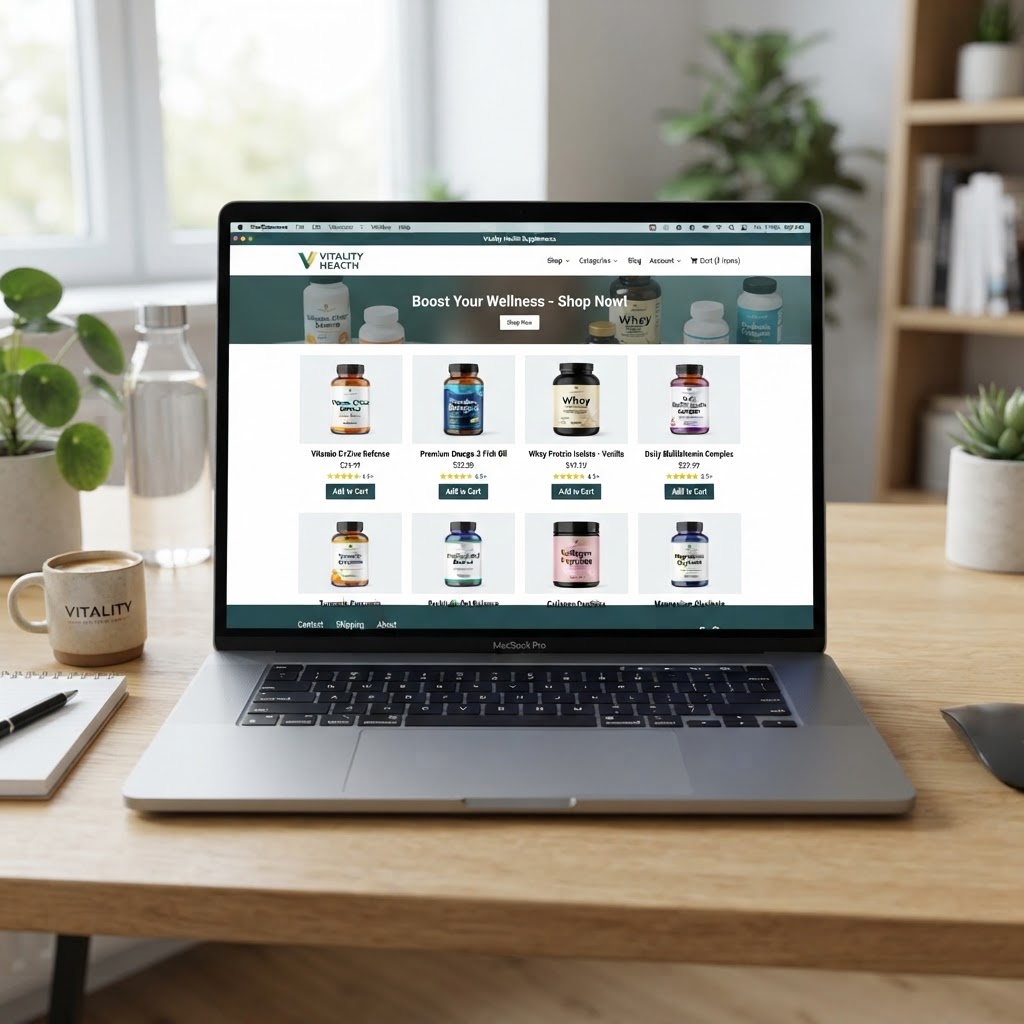
Setting up WordPress on Hostinger . first website
This is where things got confusing fast.
The Hosting Question
I didn't know what hosting was. I'm being honest , I genuinely didn't understand the difference between a domain and hosting. I thought buying the domain meant I had a website. Like, the domain WAS the website. That's how little I knew.
Turns out, a domain is just the address. The actual website . the files, the images, the content , has to live somewhere. That "somewhere" is a hosting server. Someone has to store your website on a computer that's always on, always connected to the internet, so people can visit it anytime.
I learned this from a YouTube video. The guy said, "Your domain is your street address. Hosting is the land your house is built on." That made sense to me. Finally.
Now I needed hosting. And just like with the domain, I had no idea which one to choose.
Why Hostinger
Every video I watched recommended different hosting companies. Bluehost. SiteGround. GoDaddy. HostGator. The list never ended. And every recommendation came with an affiliate link, which meant I couldn't trust any of them completely. They weren't recommending the best host . they were recommending the one that paid them the most commission.
I ended up going with Hostinger. Not because I did careful research. But because:
- It was cheap ( I found a discount
- The website looked clean and modern
- I saw it mentioned in a few videos from creators I sort of trusted
- They had a plan that said "WordPress optimized" and that sounded exactly like what I needed
I think I paid for a year upfront. It felt like a big commitment at the time : I wasn't sure this experiment would last a month, let alone a year. But the monthly price was higher if I didn't commit, and I was trying to be smart with money. So I paid for the year.
The Setup Process
Here's what I'll say about Hostinger: the onboarding was actually pretty smooth. They walked me through it step by step. Connect your domain. Install WordPress. Pick a theme. Done.
But "done" is a strong word. What I actually had was a blank WordPress installation with a default theme and zero content. It was like being handed the keys to an empty shop. The structure was there, but there was nothing inside.
I went with one of Hostinger's AI themes. They had this feature where you could describe your business and it would generate a theme for you. I typed something like "affiliate marketing store for health and wellness products" and it gave me a layout. It wasn't amazing, but it was a start. It had a homepage, a blog section, and a product page. That was enough for me to feel like I was building something real.
Plugins , The Good, the Bad, the Broken
This is where I went down a rabbit hole. WordPress plugins.
The moment I learned that plugins could add functionality to my site . contact forms, SEO tools, caching, analytics, social sharing buttons , I went wild. I installed everything. Every free plugin that looked remotely useful, I added it. WooCommerce for products. Yoast for SEO. LiteSpeed for caching. Contact Form 7. Elementor for page building. A security plugin. A backup plugin. A plugin to compress images. A plugin to add social media icons. A plugin to manage redirects.
I had 27 plugins on a brand new site with zero visitors.
And then things started breaking. The site got slow. Some plugins conflicted with each other. The page builder didn't work the way the YouTube tutorial showed. I'd change a setting and the whole layout would shift. I'd fix one thing and break two others.
I spent an entire weekend just trying to get the homepage to look right. Moving a section up. Moving it back down. Changing colors. Changing fonts. Changing my mind. Starting over. Watching another tutorial. Trying again.
The Realization
After about a week of tinkering, I had something that looked... okay. Not great. Not professional. But okay. It had a homepage with a hero image, a few placeholder pages, a blog section, and a WooCommerce store that was ready for products I didn't have yet.
I remember sitting back and looking at it and thinking, "This is my website." It was a strange feeling. Pride mixed with uncertainty. I'd built something . it existed on the internet , but I had no idea if anyone would ever see it or if it would ever make me a single rand.
What I didn't know then was that the website was the easy part. The hard part . the part that would test me for months ( was what to put on it. Products. Content. A reason for people to visit. A reason for them to stay. A reason for them to click.
But that's the next story. Next, I'll tell you about the day I discovered affiliate marketing : and why it felt like the answer to everything.
, Justice
I Installation Process . Step by Step, Mistake by Mistake
Installing WordPress on Hostinger is supposed to take five minutes. The marketing says so. The YouTube tutorials say so. The Hostinger help articles say so. What they don't say is that those five minutes assume you already know what a nameserver is, what a DNS record does, and what the difference is between a domain and a subdomain. If you don't know those things , and I didn't . the five-minute installation becomes a two-day odyssey through help articles, forum posts, and YouTube videos made by people with significantly more experience than you.
My first mistake was choosing the wrong hosting plan. Hostinger offers three tiers: Single, Premium, and Business. I chose Single because it was the cheapest , R79 per month. What I hadn't figured out was that Single only allows one website, one database, and one email account. For someone starting a single blog, that's technically fine. But it also means you can't create a staging site, you can't test changes before publishing them, and you can't run multiple experiments simultaneously. I would upgrade to Premium six months later, but at the time, I didn't know what a staging site was, so I didn't know what I was missing.
My second mistake was not understanding DNS propagation. After I installed WordPress, I tried to visit my website and got a "This site can't be reached" error. I thought something was broken. I reinstalled WordPress. I cleared my cache. I tried a different browser. I restarted my router. None of it worked because the issue wasn't WordPress . it was DNS propagation, which takes anywhere from 2 to 48 hours. My domain wasn't pointing to my hosting yet. Nobody told me this. I learned it from a YouTube video by a guy in India who explained it in three minutes and saved me from a full reinstall.
The Theme Dilemma
Once WordPress was installed and the DNS had propagated, I faced the next decision: choosing a theme. WordPress has thousands of free themes, and each one looks different from the next. There are themes for blogs, themes for e-commerce, themes for portfolios, themes for restaurants, themes for lawyers, themes for dentists. I am not a dentist. I am not a lawyer. I am a guy in Johannesburg trying to build an affiliate marketing website, and none of the themes are designed for that specific use case.
I spent three hours browsing themes. I installed six of them, previewed each one, and uninstalled five. The one I kept was called "Astra" ( a lightweight, fast-loading theme that was recommended by every WordPress YouTube channel I'd watched. It was clean, it was simple, and it didn't come with a thousand features I didn't need. It was the right choice, but I didn't know that at the time. At the time, I just picked it because I was tired of looking.
The Astra theme was free, but the plugins that made it look good — Elementor, Spectra, Starter Templates — had free versions that were limited and Pro versions that cost money. I used the free versions. This meant my website looked fine but not great. The difference between "fine" and "great" is about R2,000 in plugin subscriptions, and I didn't have R2,000. So I built a website that was fine, and I told myself I'd make it great later.
The First Plugin I Installed — And Why It Almost Broke Everything
The first plugin I installed was Yoast SEO. Every WordPress tutorial says to install Yoast. It's the SEO plugin. It's the one that helps you optimize your content for Google. It shows you a green light when your post is optimized and a red light when it's not. I wanted green lights. I wanted to know that Google would love my posts.
What nobody told me was that Yoast SEO, in its free version, adds a meta box to every post editor, a dashboard widget to your admin panel, and about 400 settings that you're supposed to configure before you write a single word. I didn't configure any of them. I just installed the plugin, wrote my first post, and checked whether the traffic light was green. It wasn't. It was red. And it stayed red for my first fifteen posts, because I didn't understand that the traffic light measures things like keyword density, meta descriptions, and internal links — things I hadn't learned about yet.
I eventually uninstalled Yoast and installed Rank Math instead, which does the same thing but with a cleaner interface and fewer upsells. The switch took twenty minutes and made my admin panel noticeably faster. But The thing I carried forward wasn't about which SEO plugin to use. It was about the WordPress plugin ecosystem in general: every plugin you install adds weight to your website, and too many plugins will slow your site down to the point where Google penalizes you for it. I would learn this the hard way six months later, when my site was loading in 8 seconds and I couldn't figure out why.
What I'd Change
If I could go back and set up WordPress again, I would do three things differently. First, I would choose Premium hosting from the start. The extra R40 per month would have saved me from the limitations of the Single plan and given me room to experiment. Second, I would install only three plugins: an SEO plugin, a caching plugin, and a security plugin. Everything else was noise. Third, I would not install a theme until I had written my first five posts. The theme is a distraction. It makes you feel like you're building a website when you're actually just rearranging the furniture in an empty house.
The setup process took me two days. It should have taken two hours. The difference was not because the process was complicated — it was because I didn't know what I was doing, and I was too stubborn to ask for help. Every mistake I made taught me something, but I could have learned the same lessons by reading a single article instead of making each mistake myself. That's the cost of stubbornness: you learn thoroughly, but you learn slowly.
The hosting renewal came due a year later, and by then I understood what I was paying for. I upgraded to Business hosting without hesitation. I added the SSL certificate. I set up daily backups. I paid for professional email. Each of those things cost extra, and each of them was worth it — not because they made the website better, but because they made me feel like I was running a real operation instead of a hobby. The psychology of spending money on your business is strange: the more you invest, the more seriously you take it, and the more seriously you take it, the harder you work. That R79 per month was never just about hosting. It was about actual money at stake.
Related Journey Entries
And ultimately, is what building a website actually teaches you — not how to code, but how to keep going when nothing works.





Comments
Post a Comment