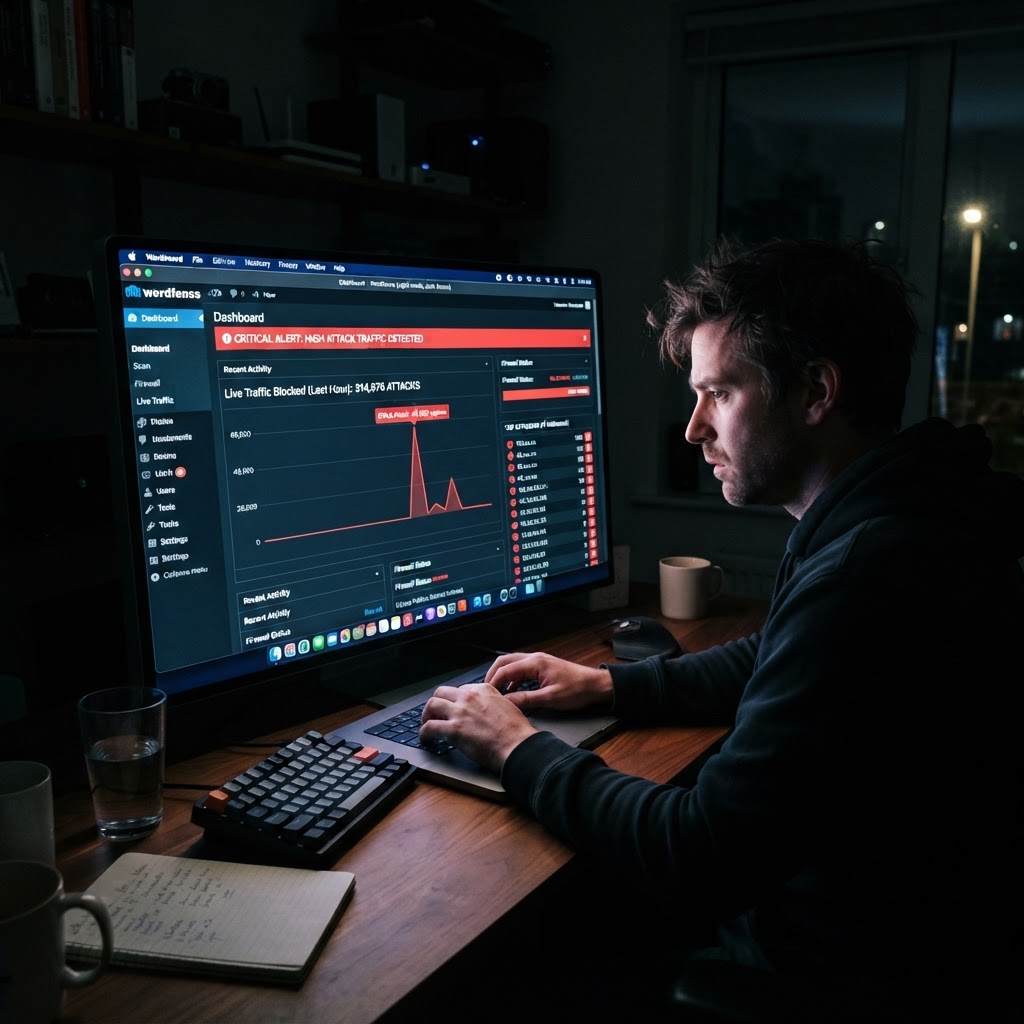
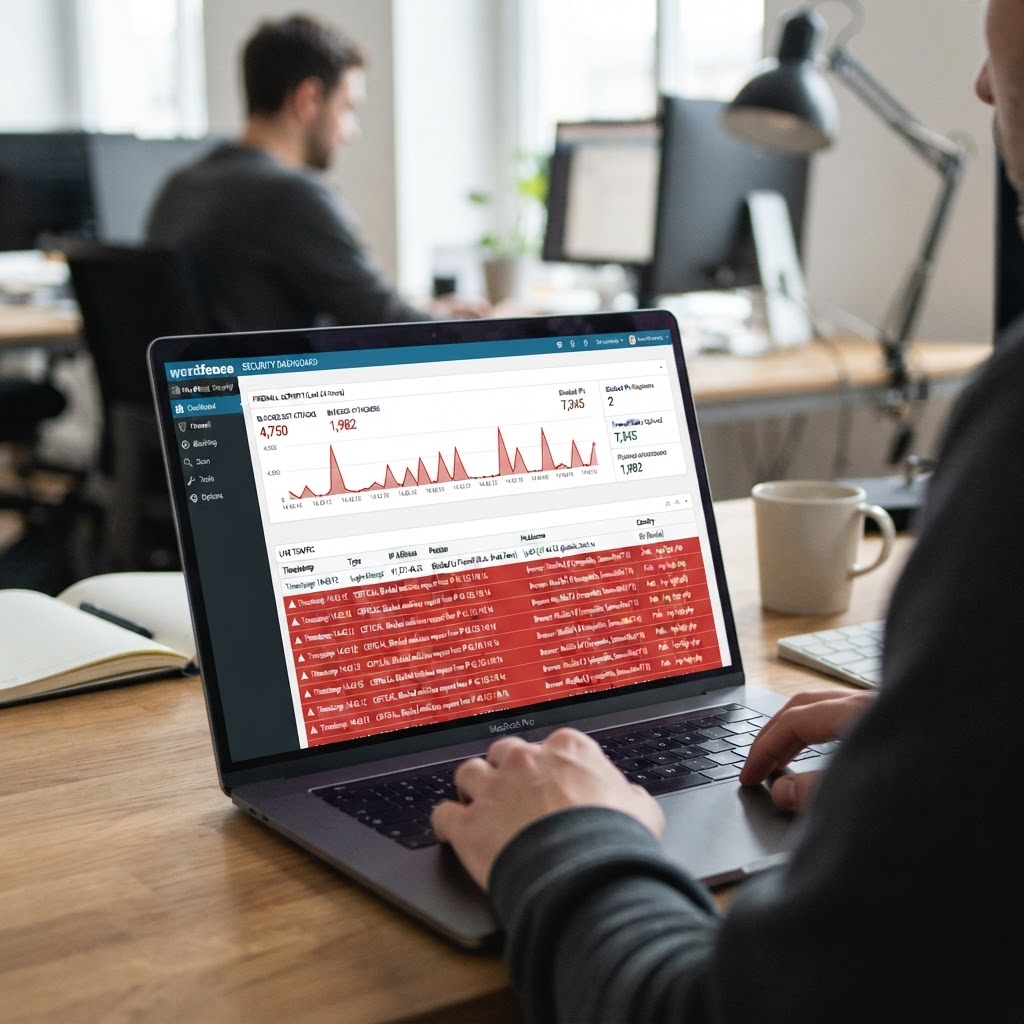
It was 2 AM and I was staring at my WordPress dashboard, watching the numbers climb. Not visitor numbers. Not sales numbers. Attack numbers. My site had gone from a sleepy affiliate blog getting thirty visitors a day to receiving over four thousand requests in a single hour, and every single one of them was trying to exploit something called XML-RPC.
I didn't even know what XML-RPC was until that night. I learned fast.
What Hit Me
Here's what I understood after spending three hours reading WordPress security forums at 3 AM: XML-RPC is a protocol that lets external services communicate with WordPress. It's used for things like the mobile app, trackbacks, and pingbacks. It's also the single biggest security headache for any WordPress site owner who doesn't know to disable it.
Someone, somewhere, had decided to use my site as a pawn in a brute-force attack. They were sending hundreds of requests per minute through the XML-RPC endpoint, trying username and password combinations. My site was essentially being used as a weapon, and I was the one paying for the bandwidth.
The terrifying part? My hosting panel showed CPU usage at 97%. The site was barely loading. If this kept up, Hostinger would probably suspend my account for exceeding resources. Months of work, 150+ blog posts, dozens of WooCommerce products — all of it could disappear because of someone's automated script.
Before Fix (And What Actually Changed Me About WordPress Security)
I disabled XML-RPC first. Then pingbacks. Then I found out about something called the Broken Link Checker plugin, which was also hammering my database with constant requests. I disabled that too. Then I went into my .htaccess file and started blocking bot traffic aggressively.
Here's what I learned: WordPress, out of the box, is not secure. It's built for convenience, not for someone running an affiliate store on a shared hosting plan. Every plugin you install is a potential vulnerability. Every default feature you don't use is a potential attack vector. The pingback system, which was designed to let blogs notify each other when they link to each other, had become a tool for distributed denial of service attacks.
I spent the next three days hardening everything. I added firewall rules. I blocked suspicious IP ranges. I disabled user enumeration. I restricted access to the login page. I felt like I was fortifying a castle that was constantly under siege, except the castle was a WordPress site about affiliate marketing and the siege engines were bots running from server farms I couldn't even locate.Why Emotional Toll Nobody Talks Abouth2>
Here's what the security guides don't tell you: being attacked feels personal, even when it isn't. I knew, logically, that some random attacker wasn't targeting Justice Manyika specifically. They were scanning the internet for vulnerable WordPress sites and mine happened to be one. But at 2 AM, watching your CPU meter turn red, it feels like someone is trying to destroy what you built.
And there's the helplessness. You can't call the police. You can't report it to anyone who will actually do something about it. The attack is coming from IP addresses in twelve different countries. The hosting provider's support chat gives you a link to a generic article about "improving site security." You're on your own, with a .htaccess file and whatever you can learn from forums in the next hour.
I remember sitting there after I'd finally gotten the attack under control, the CPU meter back to normal, the site loading again. I didn't feel relieved. I felt exhausted and, honestly, a little scared. This was supposed to be the passive income dream. Build a website, write content, collect affiliate commissions. Nobody mentioned that you'd also need to become a part-time security engineer.
What I'd Tell Someone Starting Out
If you're about to launch a WordPress site, do these things before you publish a single post. Disable XML-RPC if you're not using the mobile app. Disable pingbacks and trackbacks. Remove the Broken Link Checker plugin if you have it. Add basic firewall rules to your .htaccess. Block bot user agents. Limit login attempts. And for the love of everything, do not install every plugin that looks helpful. Each one is a door into your site.
I also learned that shared hosting has limits they don't advertise. My Hostinger plan said "unlimited bandwidth" but didn't mention that CPU usage has a hard cap. An attack that a dedicated server would shrug off can take down an entire shared hosting account. When you're choosing hosting, think about the worst-case scenario, not the average day.
The Bigger Lesson
The pingback attack taught me something that would prove true over and over again in this journey: building something online means maintaining it. The "set it and forget it" dream of passive income doesn't exist. Every system you build requires attention. Every platform has vulnerabilities. Every automated process can break.
And when it breaks at 2 AM, there's no IT department to call. There's just you, a .htaccess file, and whatever you can learn from a forum post written by someone in a different timezone who had the same problem three years ago.
That night, after I'd secured everything, I set up monitoring so I'd get an email if CPU spiked again. Then I went to bed at 4 AM, set my alarm for 7, and got three hours of sleep before my day job. The passive income dream was starting to feel like a second full-time job. But I wasn't ready to quit. Not yet.
Tracing the Bot IPs from My Desk in Johannesburg
That night in my small flat in Marshalltown, Johannesburg, the temperature had dropped, but my laptop was burning hot. Sitting at my desk with a lukewarm cup of instant coffee, I opened the raw server access logs through Hostinger's cPanel log manager. What I saw was a relentless stream of automated HTTP POST requests pounding /xmlrpc.php at a rate of fifty calls per second. The source IP addresses were scattered across dozens of subnet ranges—Vietnam, Ukraine, Romania, and Brazil. It wasn't a single disgruntled human trying passwords; it was a distributed botnet scanning for unhardened WordPress instances across the globe.
To make matters worse, my local Rain 5G connection began stuttering right as load shedding Stage 4 hit at 2:30 AM. The local cell tower switched over to backup battery power, which instantly throttled my internet speed from 25Mbps down to a crawling 1Mbps. I had to quickly toggle my phone hotspot onto a Vodacom LTE prepaid data bundle. At R149 for 5GB of emergency data, every megabyte felt like money slipping out of my Capitec bank account while I frantically refreshed terminal sessions and cPanel dashboards.
Watching the log tail output scroll across my screen in real time was unnerving. Every second brought a wall of GET and POST queries hitting missing files or firing login commands against wp-login.php. When you live in a place like Khutsong, outside Carltonville in Gauteng, you are used to physical security awareness—locking security gates, checking alarm systems, and watching your surroundings at night. But experiencing a digital break-in attempt on a website you built with your own hands brings a completely different kind of vulnerability. You realize that the borderless nature of the web means threats can come from anywhere at any second.
The Financial Reality of Shared Hosting Resource Limits
When you sign up for Hostinger's Single Shared Hosting plan, the marketing banner proudly advertises "unlimited bandwidth" for R59 per month on a promotional deal. What they put in small print inside the cPanel control panel is the strict hardware cap: 1000mCPU limit (1 CPU core share), 1024MB RAM limit, and a hard ceiling of 250,000 inodes. When thousands of bot requests hit an uncached WordPress installation, each request spawns a full PHP process that queries the MySQL database. Within five minutes, my memory usage hit 100% and CPU usage pegged at 97%.
Upgrading to a Cloud Hosting plan or a Dedicated VPS would have cost R299 to R599 a month—money I simply did not have when VitalEdge was generating less than $20 (around R360) a month in total affiliate earnings. I was trapped in the classic beginner's dilemma: my infrastructure was too weak to withstand standard internet noise, but my blog's revenue couldn't justify enterprise-grade hosting. If Hostinger suspended my account for resource abuse, my entire site, database backups, and WooCommerce store files would be locked offline until support reviewed my ticket.
I remembered reading online forums where beginners recommended simply purchasing more server hardware whenever traffic spikes occur. But that advice assumes you have disposable capital or VC funding behind your project. When you are a solo builder funding your site out of your monthly personal paycheck, every additional R100 subscription matters. I couldn't just throw money at the problem; I had to engineer a lightweight software solution that worked within the strict constraints of shared hosting limits.
Building a Security Shield on Zero Budget
With no money for premium security software or paid firewall appliances, I had to build a defense stack using free, open-source tools and manual code edits. First, I accessed the site root directory via FileZilla FTP and opened the .htaccess file. I added explicit block directives to completely cut off external access to the XML-RPC endpoint:
<Files xmlrpc.php>
Order allow,deny
Deny from all
</Files>
Next, I signed up for Cloudflare's free tier, pointed my Namecheap DNS nameservers to Cloudflare, and turned on Cloudflare's Bot Fight Mode and Web Application Firewall (WAF) rules. I also created custom firewall rules to block high-risk ASN networks known for hosting malicious scrapers. Finally, inside WordPress, I opened wp-config.php and added define('DISABLE_WP_CRON', true); to stop WordPress from executing internal cron checks on every page load, replacing it with a clean system cron job inside Hostinger cPanel set to run once every six hours.
I also spent time auditing the Wordfence Free plugin settings. While Wordfence is a powerful security plugin, its live traffic monitoring and deep database scanning functions can consume excessive RAM on 1GB server instances. I disabled live traffic logging, capped memory usage limits at 128MB inside plugin settings, and disabled automatic file hash comparisons during peak hours. Optimizing security plugin settings proved just as important as installing them in the first place.
Load Shedding Stage 4 and Late Night Server Debugging
Trying to secure a web server during Stage 4 load shedding in South Africa adds a layer of surreal stress that international blogging tutorials never mention. At 3:00 AM, the streetlights outside my window in central Joburg went dark. The room was illuminated only by the faint glow of my laptop screen and a tiny 12V LED light powered by a portable power bank I'd bought at Builders Warehouse for R850. Every time I hit "Save" on an updated configuration file, I held my breath, praying that the Vodacom LTE connection wouldn't drop mid-upload and corrupt my .htaccess file, which would throw a 500 Internal Server Error across the entire site.
Working under those conditions forced me to become hyper-efficient. I couldn't afford to browse ten different blog posts or watch long YouTube tutorials. I downloaded raw documentation PDFs to my phone, read plain-text forum threads from Stack Overflow, and executed terminal commands directly. By 4:15 AM, the CPU meter on Hostinger finally dropped back into the green zone—hovering around 4% usage. The bot traffic was getting flatly rejected at the Cloudflare edge network with 403 Forbidden responses long before ever reaching my server.
What Being Under Attack Taught Me About Solo Ownership
Going through that pingback attack transformed how I view digital entrepreneurship. Before that night, I thought building an affiliate blog was 90% writing content and 10% checking analytics. I realized that owning a blog means running a mini software deployment. You are the content writer, the SEO analyst, the system administrator, the database engineer, and the chief security officer. When something breaks at 2:00 AM, there is no corporate IT helpdesk to log a ticket with. It's just you, your laptop, and your willingness to figure it out before the morning sun comes up.
When my alarm went off at 7:00 AM for my day job, I was operating on less than three hours of sleep. My eyes were red, my head was throbbing, and I had a 45-minute commute ahead of me. But as I walked to the taxi rank in the morning chill, I felt a quiet sense of pride. My site was still standing. The bots had tried to tear down months of hard work, and I had built a fortress around it using free code and sheer persistence. That night tested my commitment, and I proved to myself that I wasn't going to walk away when things got difficult.



Comments
Post a Comment